
Complete SMS & MMS
Send and receive texts, photos, files, locations and contact cards. Create named group conversations and manage members.
Messages - SMS Texting is a fast, modern text messaging app for Android. Send SMS and MMS, sort your inbox with smart filters, schedule messages, lock private chats and keep your conversations on your device.
Free on Google Play. Requires Android 7.0 or newer.
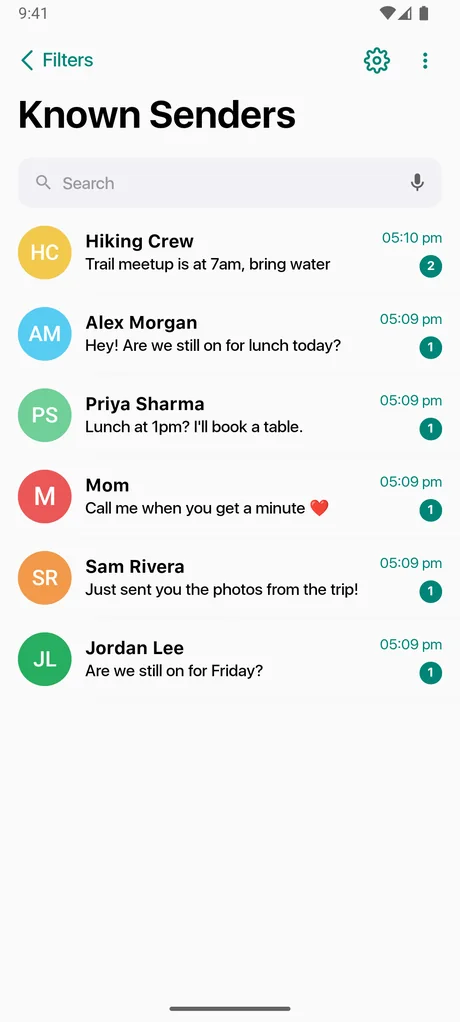
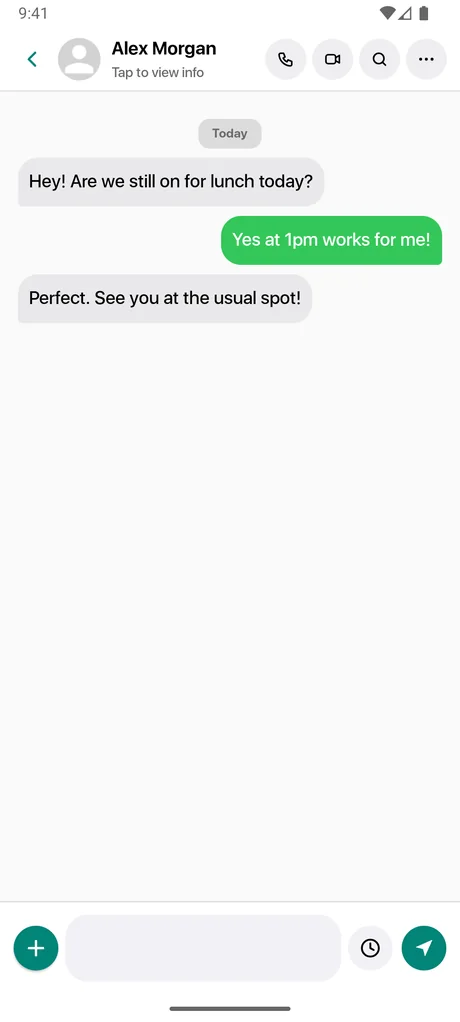
Everything you need for everyday SMS and MMS, plus tools that help you stay in control of a busy inbox.
Send and receive texts, photos, files, locations and contact cards. Create named group conversations and manage members.
Your messages are stored on your device, not uploaded to our servers. Lock sensitive chats and choose your own ad consent settings.
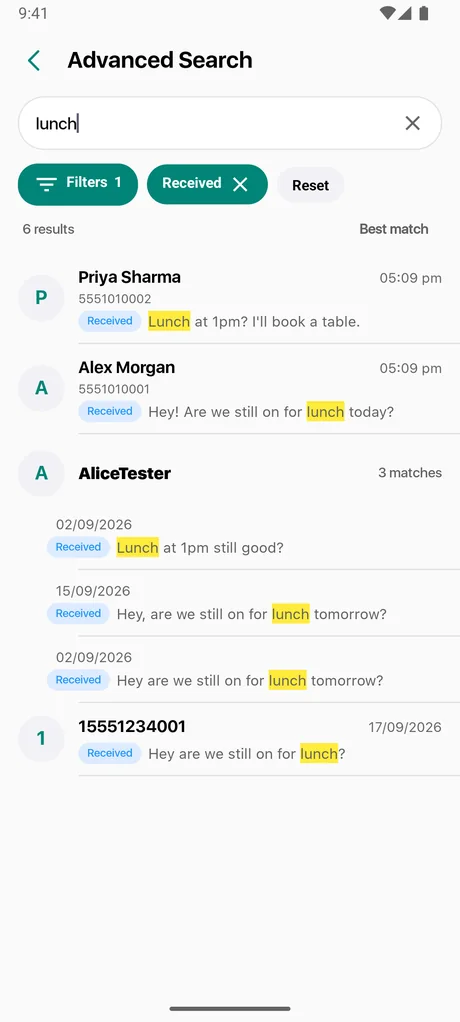
Search your conversations (locked chats stay private), search within a chat, or use voice search when your hands are busy.
The most-used tools in Messages, all included for free.
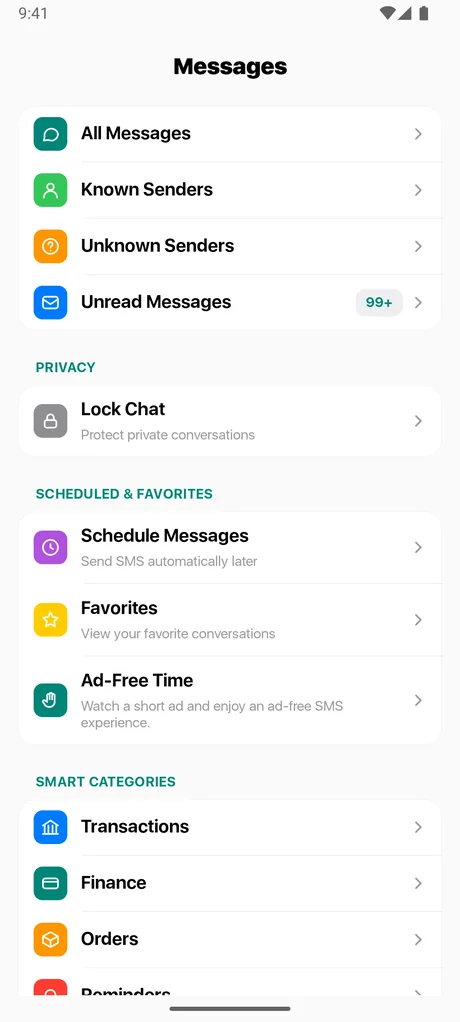
Your inbox sorted into Transactions, Orders, Promotions, Reminders, Known and Unknown senders, so important texts stand out.
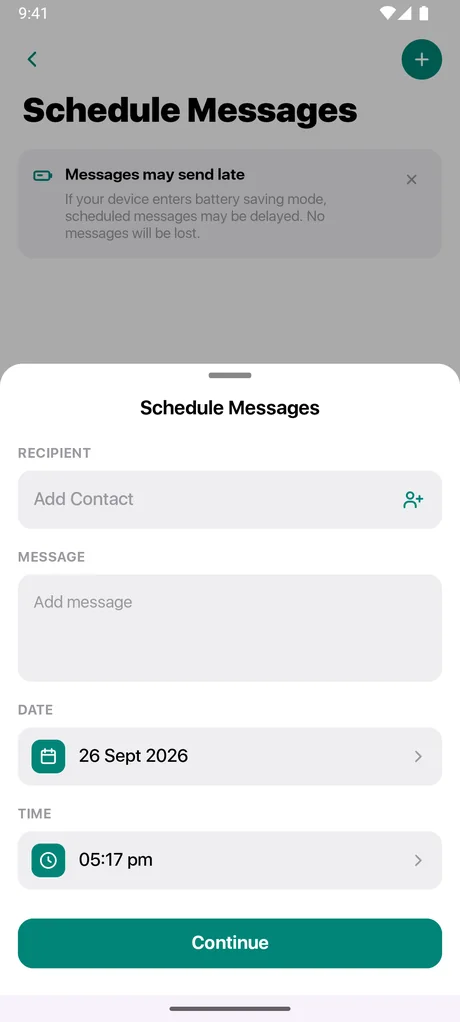
Learn more →Write a text now and let Messages send it at the date and time you choose.
Learn more →Lock private conversations behind a 4-digit PIN, with fingerprint or face unlock where supported.
Learn more →Choose which SIM sends your messages, or have the app ask you every time.
Learn more →Six widget styles show unread counts, who is waiting and your weekly activity.
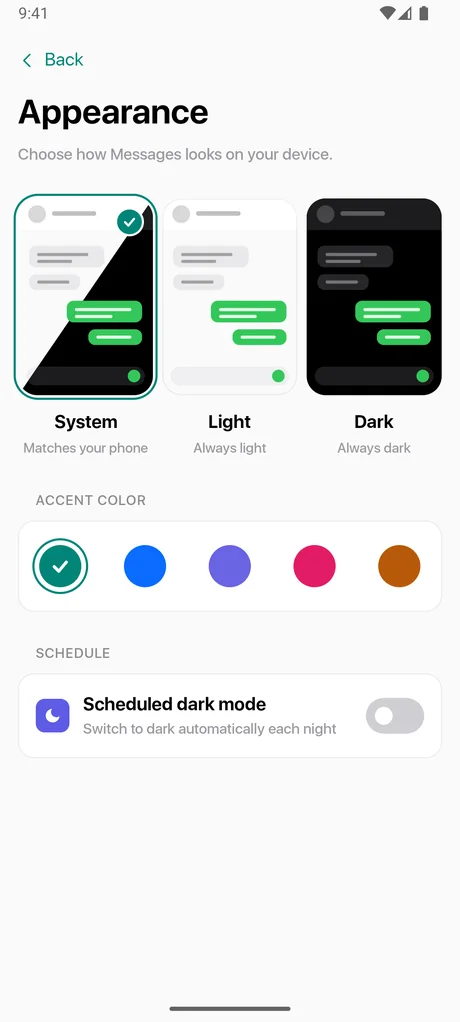
Learn more →Light, dark or scheduled dark mode, custom accent colors and 31 languages.
Learn more →Messages recognizes common types of texts and groups them for you, so an OTP or delivery update is easy to find and promotional noise stays out of the way.
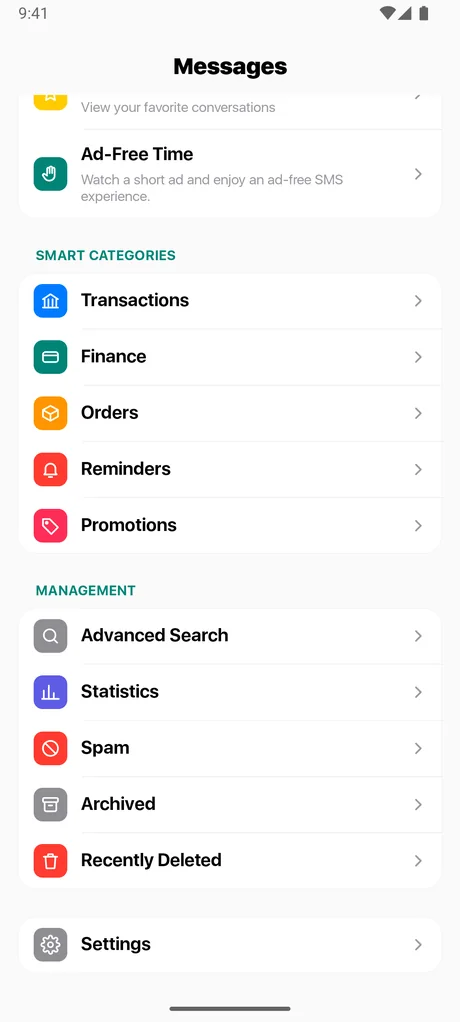
Lock any conversation so its preview is hidden and it needs your PIN to open. Add fingerprint or face unlock on supported devices, and set security questions as a backup. You can also lock the whole app when it is closed.
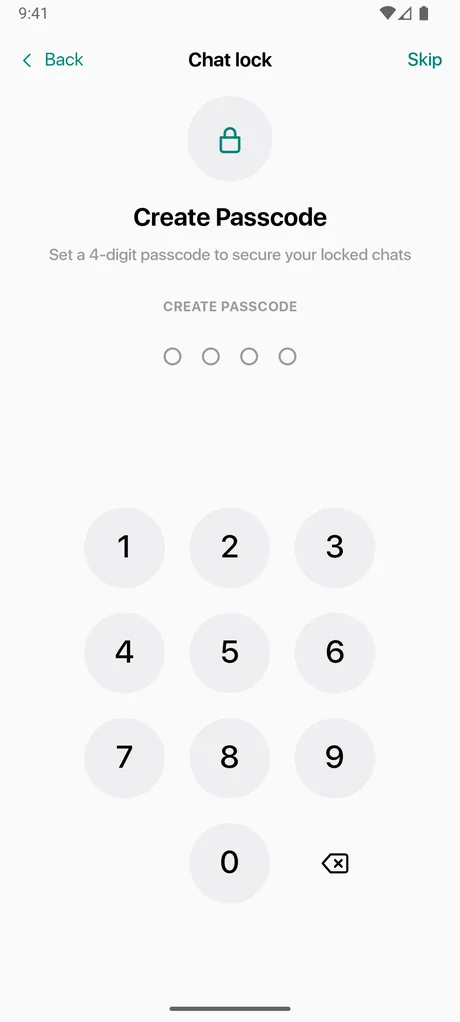
Search for "Messages - SMS Texting" or use the download button on this page.
Android requires this for any app that sends and receives texts. Not ready? You can browse your messages in read-only mode first. You can change it back at any time. Why is this needed?
Your existing conversations appear, sorted and searchable. Follow the quick guide to try filters, scheduling and chat lock.
Real screens from the app.
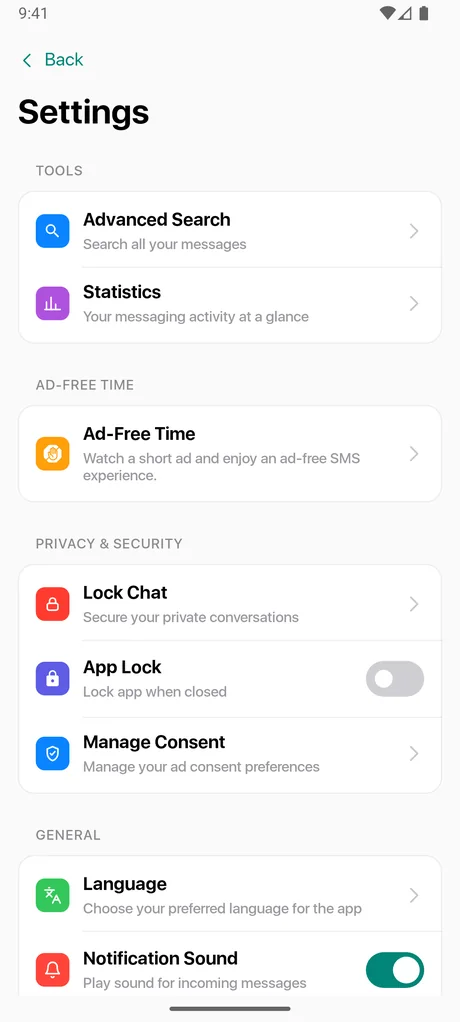
Yes. The app is free to download and use. It is supported by ads. If you would rather not see ads for a while, you can watch a short rewarded ad in the app to switch banner and native ads off for a period of time (see Ad-Free Time).
Messages - SMS Texting runs on Android 7.0 (API 24) and newer.
Yes. If your phone has two active SIMs, you can choose which one sends your messages, or set the app to ask you each time.
Messages automatically sorts your inbox into Smart Categories (Transactions, Finance, Orders, Reminders and Promotions), plus Known Senders, Unknown Senders, Unread and Spam views. You choose a filter on the Messages home screen to focus your inbox. See Smart Message Filters.
You can lock individual conversations. A locked chat shows a lock icon with its message preview hidden, and needs your 4-digit PIN to open. You can also enable fingerprint or face unlock on devices that support it, and set security questions as a backup if you forget your PIN. See Chat Lock.
Free to download. Set it as your default SMS app and take control of your inbox in a minute.