
HomeFeatures
Features of Messages - SMS Texting
Everything in the app, in one place: SMS and MMS, smart filters, scheduled texts, chat lock, widgets, dual-SIM support, themes and more.
SMS & MMS messaging
Text anyone from your Android phone. Send pictures, files, your location or a contact card as MMS, and use groups for conversations with several people.
- Send and receive SMS and MMS
- Attach photos from your gallery or camera, files, locations and contact cards
- Create named group conversations and manage members
- Group MMS option keeps everyone's replies in the same group (needs carrier MMS)
- Link previews, message signatures, copy, forward and share
Smart message filters
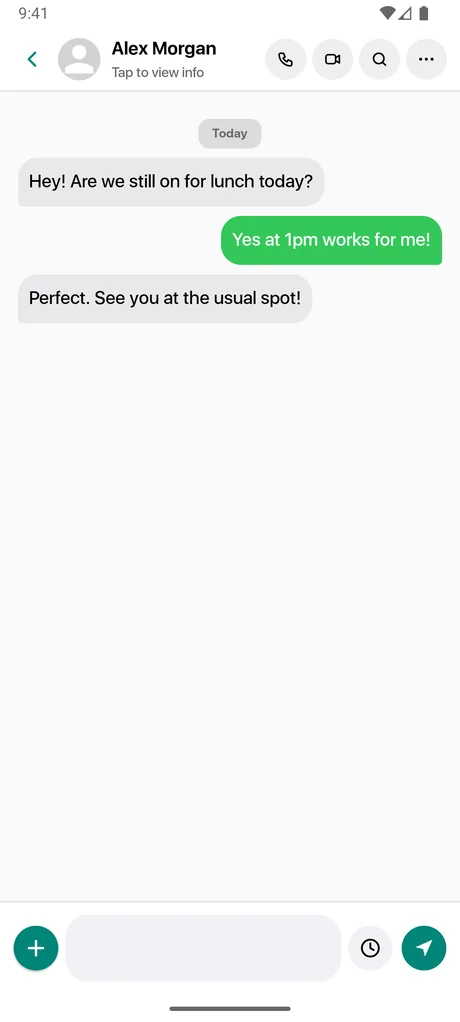
Messages sorts your inbox into useful categories so you can jump straight to what matters.
- Smart Categories: Transactions, Finance, Orders, Reminders and Promotions
- Known Senders, Unknown Senders, Unread and Spam views, plus Archived and locked chats
- Pick a filter from the Messages home screen
Scheduled messages
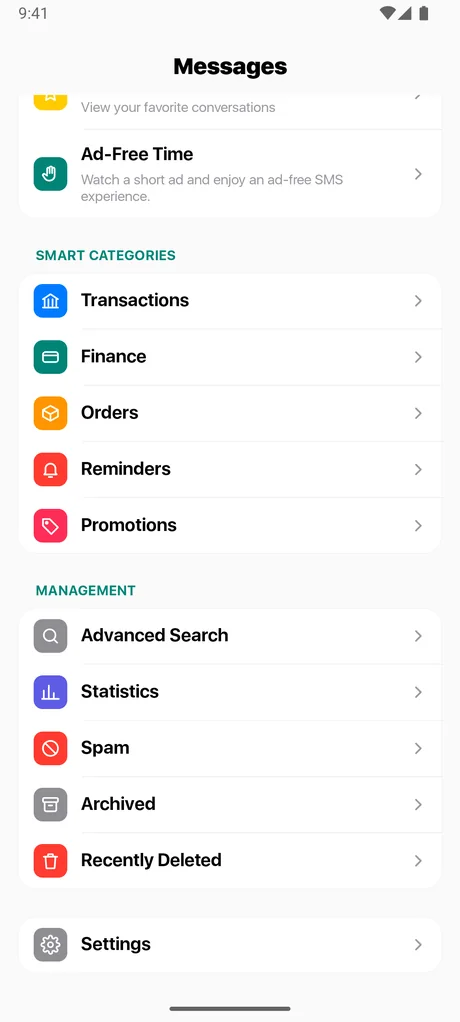
Write it now, send it later. Schedule a text for a specific date and time and manage everything from one screen.
- Choose a contact or number, write your message and pick a future time
- Edit or delete scheduled messages before they send, or tap Send Now to send one immediately
- Uses exact alarms so messages go out on time (Android may ask for permission once), and scheduled messages are restored after a restart or app update
Chat lock and app lock
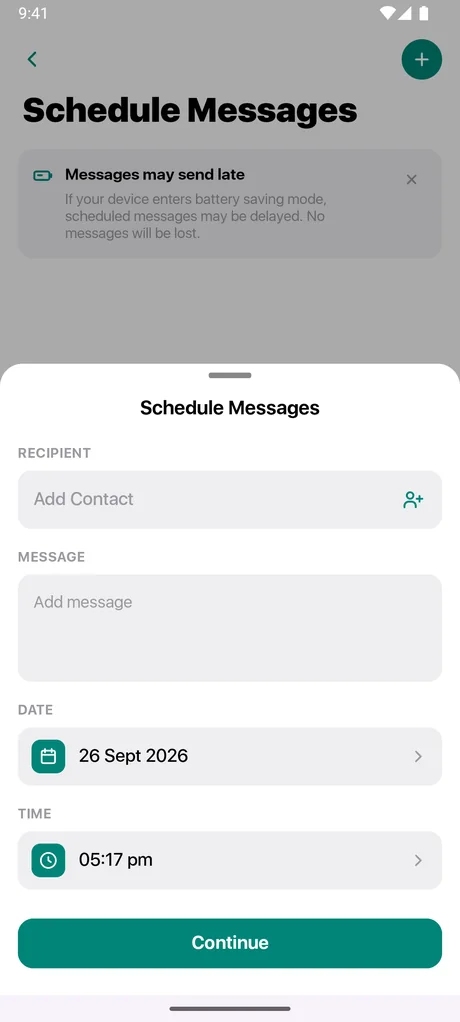
Protect private conversations. Locked chats are hidden from the main list and stay locked after you restart the app.
- 4-digit PIN to open locked chats
- Fingerprint or face unlock on supported devices
- Security questions as a recovery backup
- Optional app lock when the app is closed
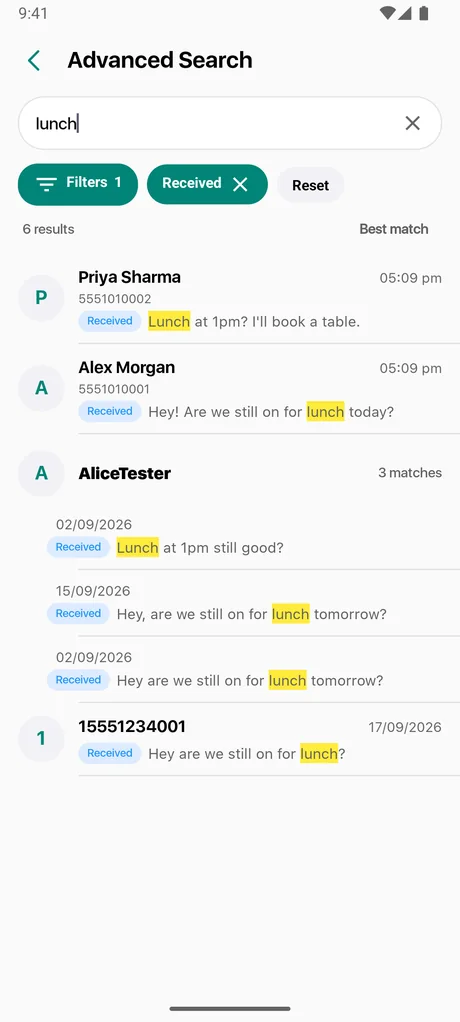
Search and voice search
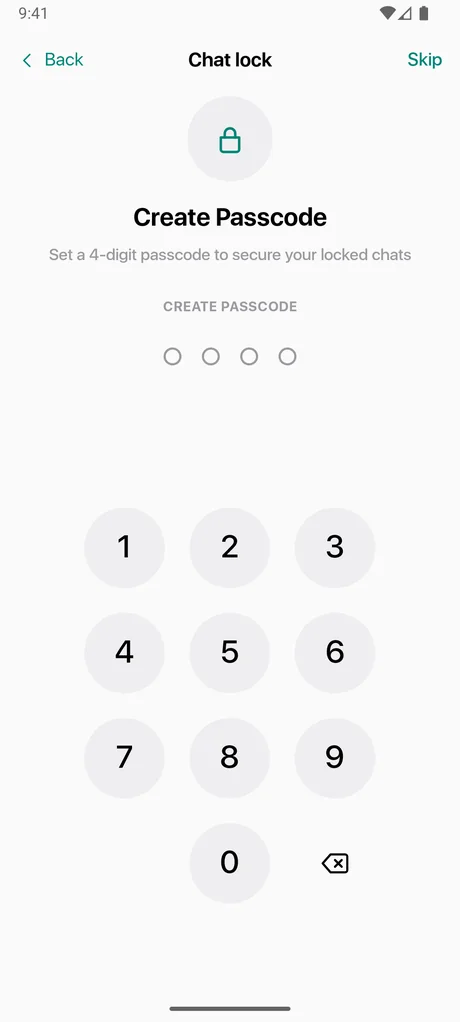
Find messages quickly across all conversations, or search inside a single chat.
- Advanced Search across every message
- Search within a conversation
- Voice search to speak your query (needs microphone permission)
Dual-SIM support
If your phone has two SIMs, you decide which one sends your texts.
- Set a default SIM for sending, or choose Ask each time
- A SIM picker appears when sending, with an option to remember your choice
Home-screen widgets
Six widget styles bring your messages to your home screen. Widgets are resizable.
- Unread count with quick compose
- Sender-first view of who is waiting
- Priority view showing who to reply to first
- Momentum view with unread and today's activity
- Large weekly recap of your messaging activity
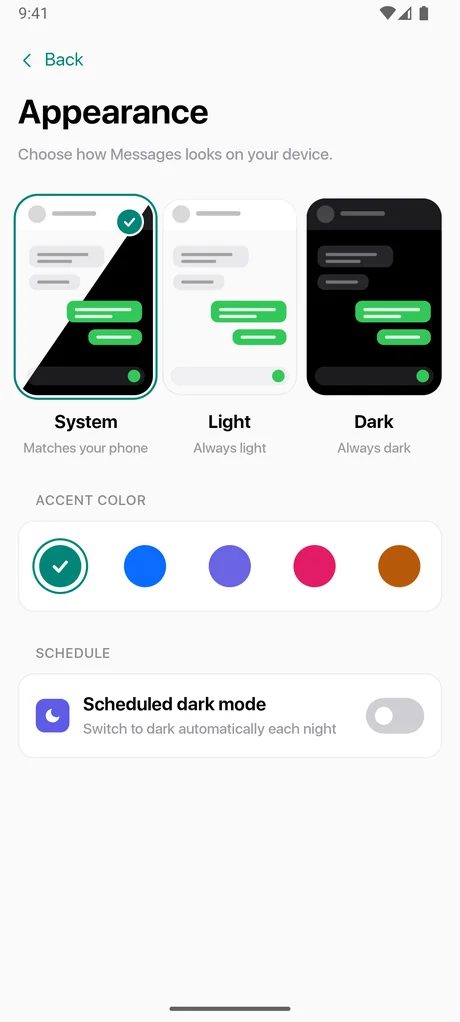
Themes, accent colors and languages
Make Messages look and read the way you like.
- Light, dark, follow-system, or scheduled dark mode that switches on at night
- Choose your accent color
- More than 30 languages with a built-in language picker
Organize your conversations
Tools to keep long lists of conversations under control.
- Pin important conversations to the top
- Favorites for the people you text most
- Archive conversations you do not need right now
- Select several conversations to mark read, archive or delete
- Mute notifications for a single conversation
Recently Deleted and blocking
Deleting is not always final, and unwanted senders can be blocked.
- Deleted conversations move to Recently Deleted and can be restored for 40 days
- Block and unblock numbers from the Blocked Numbers list
- Blocking works when Messages is your default SMS app
Statistics
See your messaging activity at a glance, including the conversations you use most.
- A summary of your messaging activity
- Per-contact totals and sent and received percentages in contact details
Notifications and Ad-Free Time
Control how the app alerts you, and how many ads you see.
- Notification sound and vibration settings
- Priority notifications for important messages
- Watch a short rewarded ad to turn off banner, full-screen and app-open ads for a period of time (native ads inside lists stay); earn more time up to a daily limit
- Manage your ad consent choices from Settings
- Optional app updates from Google Play, with Update and Later choices
Good to know
Get Messages - SMS Texting on Android
Free to download. Set it as your default SMS app and take control of your inbox in a minute.